
 Minecraft Web Panel · Ryzen 9 9950X
Start and stop your server, watch the console and edit your files. Full control over FTP and live player tracking for instant action — all from a single panel.
Web Panel
Every plan includes the web control panel as standard. Choose a plan based on your player count and plugin load.
Listed prices exclude VAT; 20% VAT is added at checkout. Check the billing period and any add-on fees on the order screen.
You do not need to install any separate software to reach your server; sign in from the browser and start managing it.
Start and stop your server with one click, and restart it whenever it hangs.
Watch server output in real time and send console commands straight from the panel.
Upload, edit and delete plugin, mod and configuration files from the browser.
Get full access to your server over FTP and make any change you need.
See the active player count in real time and step into the game when needed.
After payment your server is installed and delivered by our automation system.
The images below are taken from the web panel our customers use.
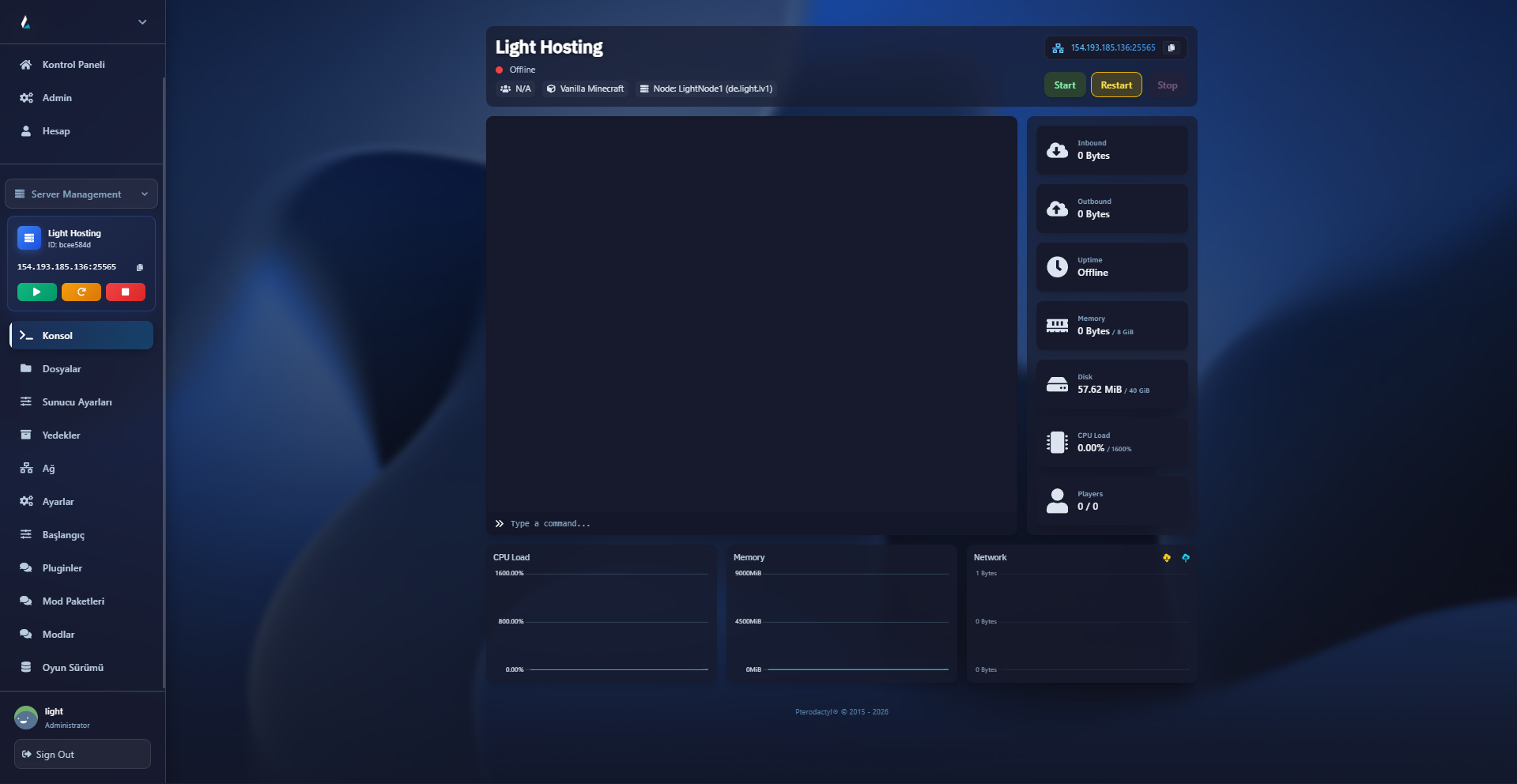
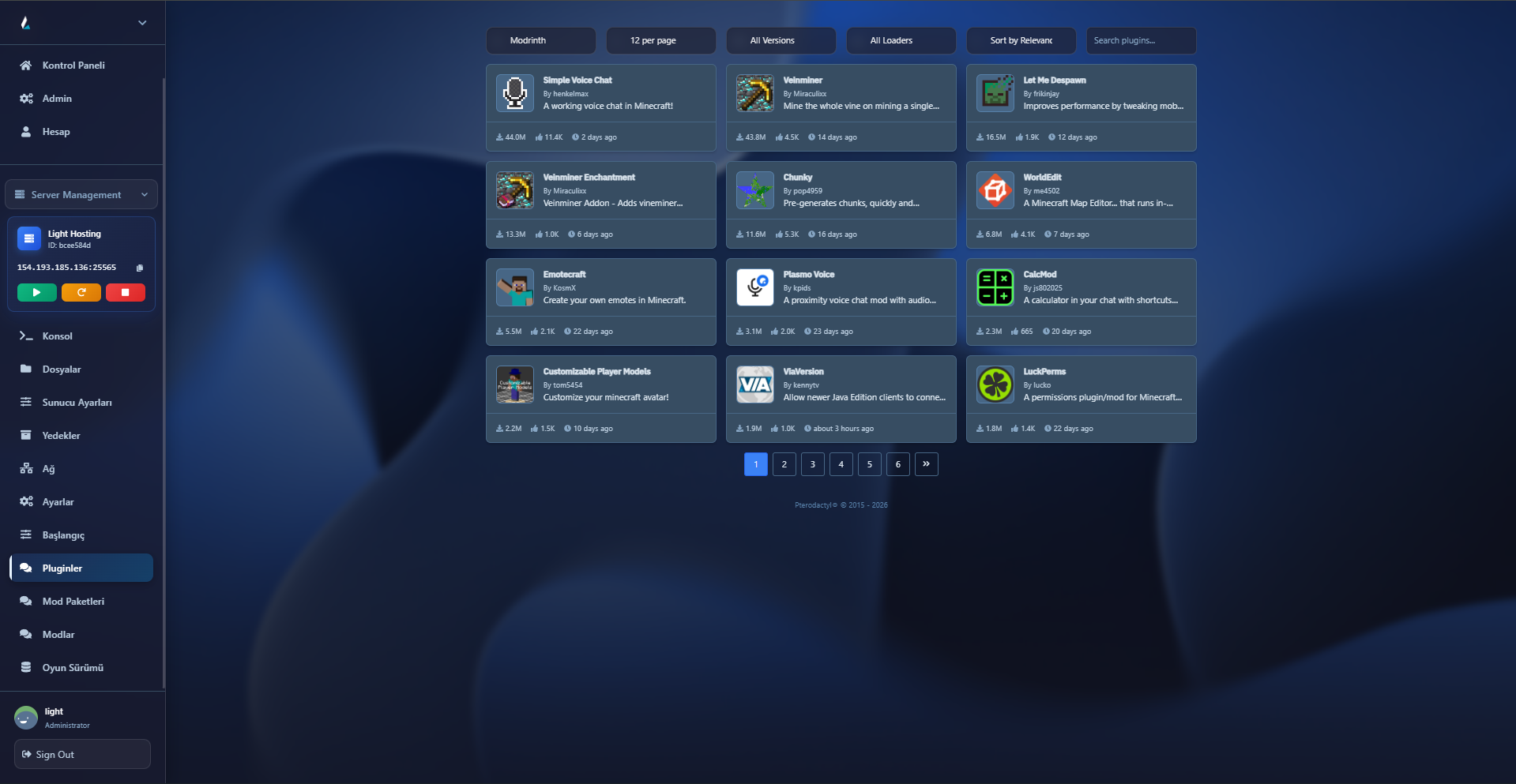
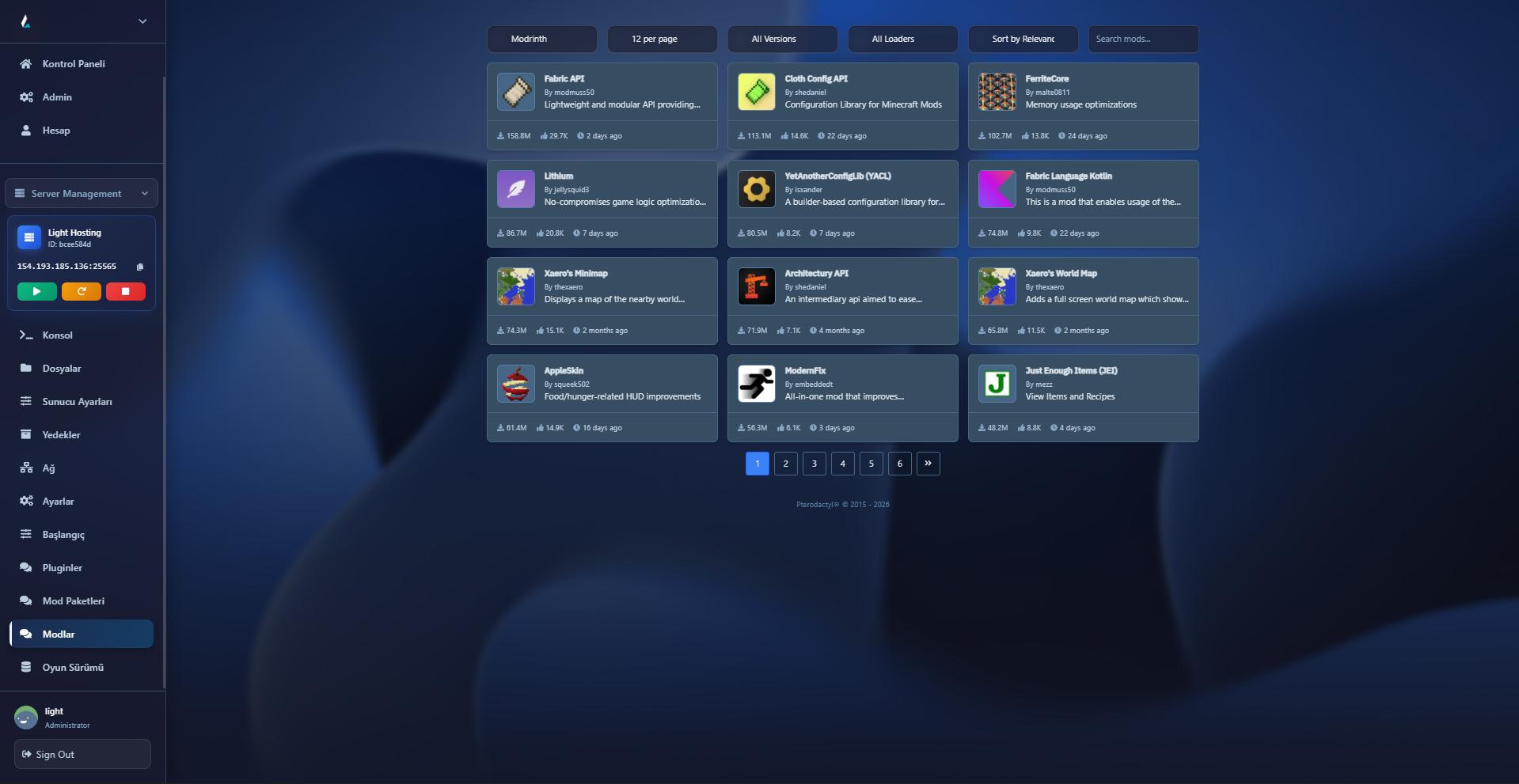
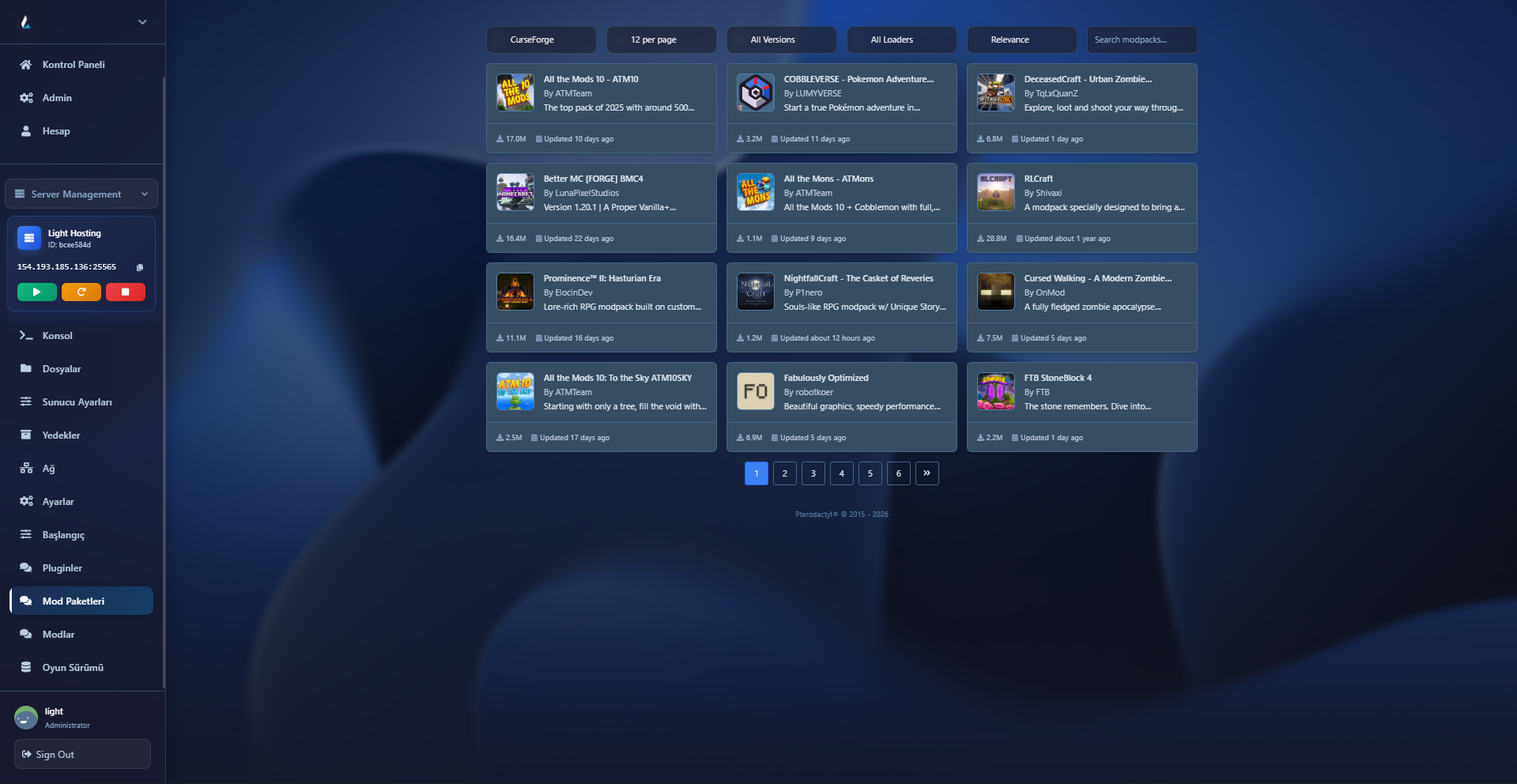
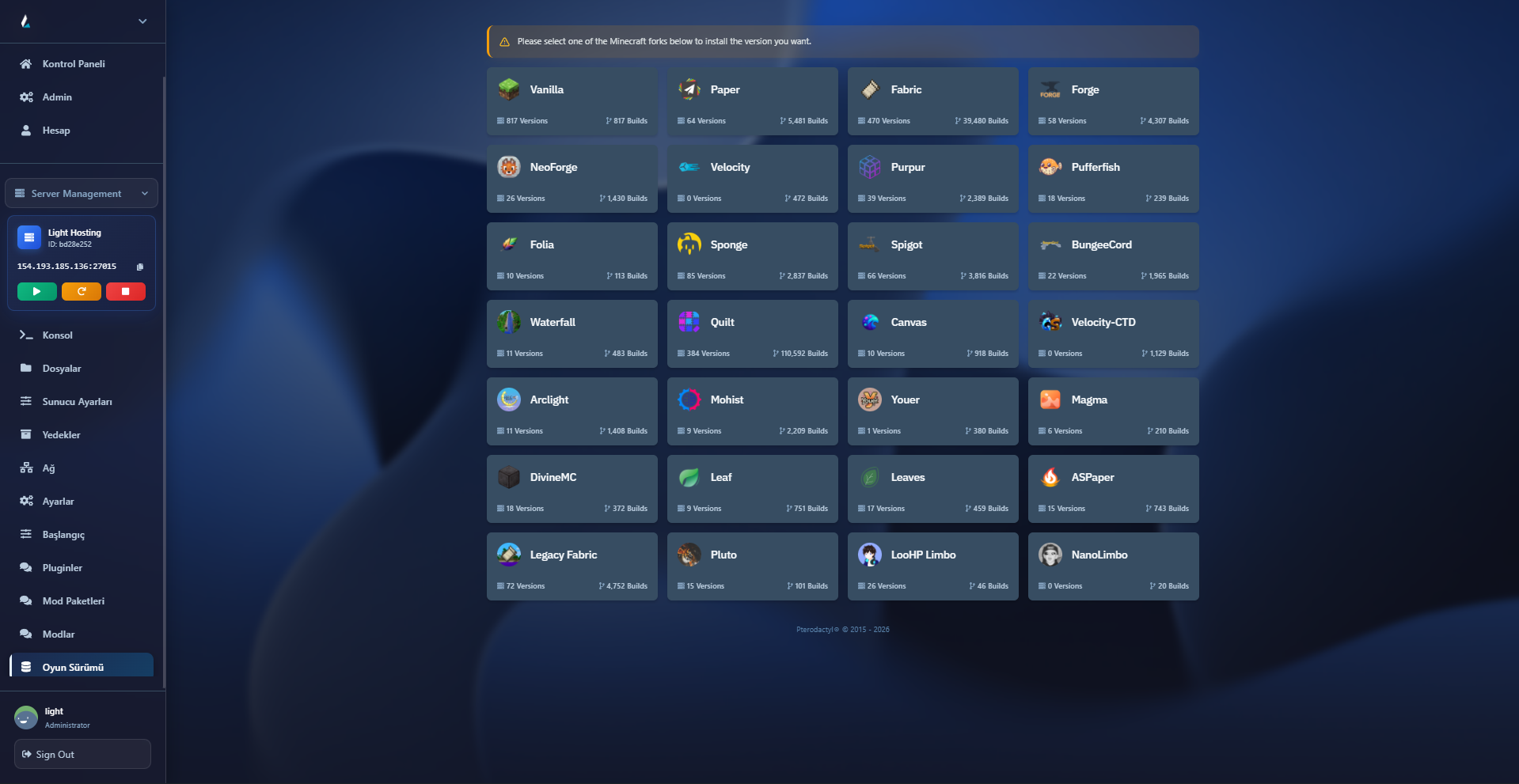
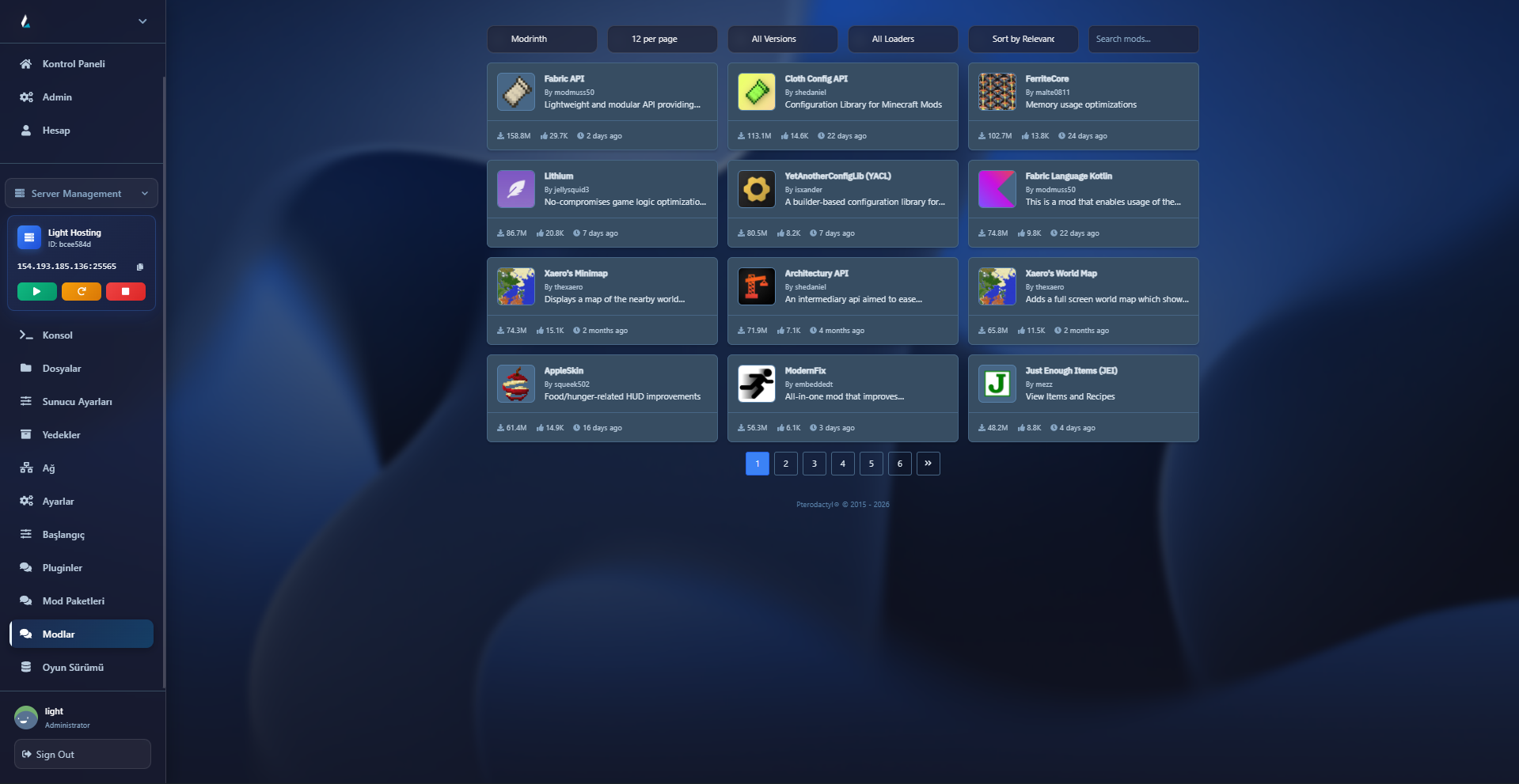
Pick your plan and let your server install automatically after payment. Your panel details are sent to your account.
Minecraft web panel hakkında en çok sorulan soruların net cevapları.
No. Every plan on this page includes the web control panel as standard; there is no extra charge.
You can start and stop the server, watch the console live and send commands, edit your plugin, mod and configuration files through the file manager and FTP, and track the active player count.
After payment your server is installed and delivered automatically by our automation system.
Your RAM needs depend on player count, plugin and mod load, and view distance. Small vanilla communities can start with the lower plans; choose a higher plan for modpacks and busy servers. If you are unsure, message us on WhatsApp and we will review your setup together.
Backup is not offered as a direct service. Our systems are backed up regularly as part of data security; we recommend downloading and keeping your own world and configuration files from the panel.
You can reach us 24/7 on WhatsApp or through the ticket system in the client area.
A Minecraft server normally has to be managed over a remote desktop or SSH connection, with files moved through a separate FTP client and the console watched on the server itself. The Minecraft web panel moves all of those steps into the browser: the moment you sign in you see your server status, start it with one click and watch the console output live.
Through the panel you can upload your plugin and mod files and edit configuration files such as server.properties directly. Because FTP access is open, you can also transfer large modpacks in bulk. You can follow the active player count in real time and step into the game when needed.
All plans run on machines with AMD Ryzen 9 9950X processors, DDR5 memory and NVMe SSD storage, in Turkey, on a 10 Gbit network connection. DDoS protection is standard in every plan. If you only want to rent a server, see the Minecraft server hosting page; if you want to build your own virtual server, see the Ryzen VDS plans.
Required cookies keep the site running. Analytics cookies are used only with your consent. Cookie Policy
















 Ryzen VDS
 DDoS
DDoS